Assembling
- Attach both mounting kits to the back side of the SkyHub.
- Plug in the drone link cable (Red) to the third connector (Red) on the SkyHub.
- Plug the power cable into either the first or second power port on SkyHub.
- Plug in a USB cable to the DJI OSDK port on the drone (note that the USB can only be plugged in one direction; use the railing on the connector as guidance).
- Attach the anchor cable to the case of the drone beneath the DJI OSDK port.
- SkyHub assembly on the drone is complete.
Visual instructions on how to mount SkyHub and an altimeter are available in the video below:
▶ Watch on YouTube (qjouqKcKZfE)
Power-on checks
The cable connecting SkyHub and DJI M350 RTK drones has built-in LED indicators. You can check the connection status by examining them:
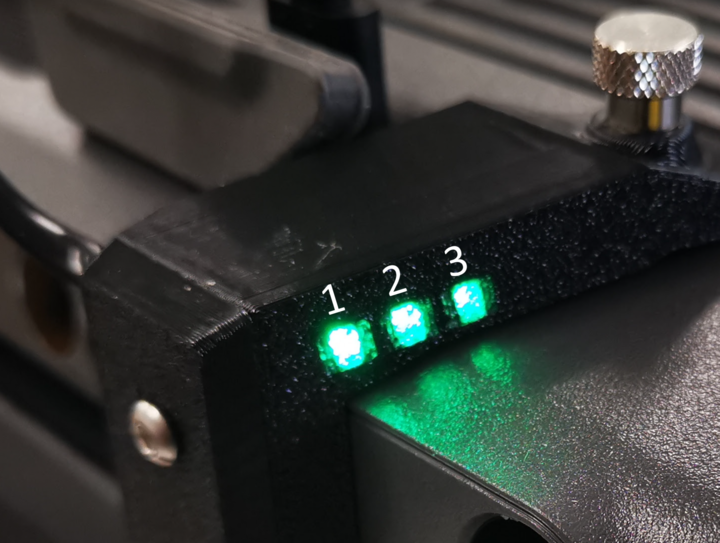
- LED1 lights up when power is coming from the drone.
- LED2 blinks when there is communication from the drone.
- LED3 blinks when there is communication from SkyHub.
- LED2 lights up fully when the connection is established.